Rwanda is one of the easiest African countries to drive in. The main roads are well paved, signage is clear and the country is compact. Even so, hills, winding rural roads, one-way streets in Kigali and patchy signal in national parks can make a good map app essential. Choosing the right navigation apps for driving in Rwanda can save you time, data and a lot of stress, whether you are heading to Volcanoes National Park, Lake Kivu or a hotel in Kigali.
This guide compares the best apps, explains how to use them offline, and shares practical tips for rental-car drivers and residents.
Why Navigation Matters When Driving in Rwanda
Rwanda has a strong road network, but a few local conditions make navigation worth planning:
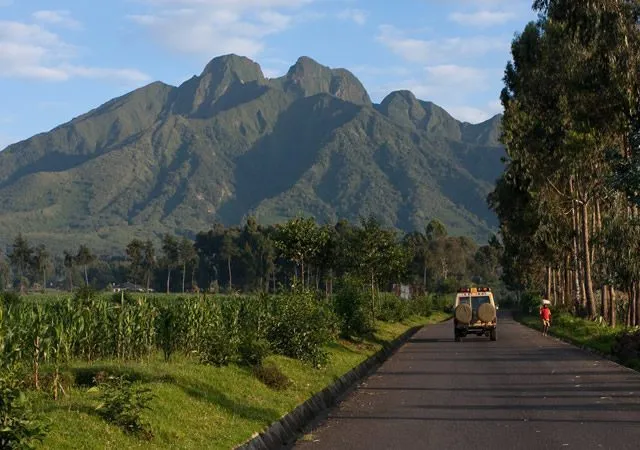
- Hilly terrain. Roads twist through steep hills, so distances on a map can feel much longer than they look.
- Heavy motorbike and pedestrian traffic. In towns, you need to concentrate on the road, not on fiddling with your phone.
- Patchy signal in some areas. Mobile coverage is good across much of the country, but remote stretches, valleys and parts of national parks can drop out.
- Restricted movement days. On Umuganda Saturday (the last Saturday of each month), non-essential movement is limited in the morning, so route planning matters.
- Street addresses are still catching on. Rwanda has introduced street names and numbers, but many people still give directions by landmarks, such as “near the roundabout” or “behind the market.”
A reliable app, ideally with offline maps downloaded, solves most of these problems.
The Best Navigation Apps for Driving in Rwanda
1. Google Maps: Best All-Rounder
Google Maps is the most familiar option, with strong business listings, photos, reviews and live traffic where data is available. It is excellent for finding hotels, restaurants, fuel stations and pharmacies in Kigali and other towns.
Offline use: You can download specific areas rather than whole countries. Google Maps lets you save specific areas or cities offline, but you cannot download an entire country in one go. Offline maps expire after 30 days, a Google account is required, and some features such as transit directions and traffic are not available offline.
Best for: Finding places, checking opening hours and navigating in Kigali.
2. Organic Maps: Best Free Offline-First App
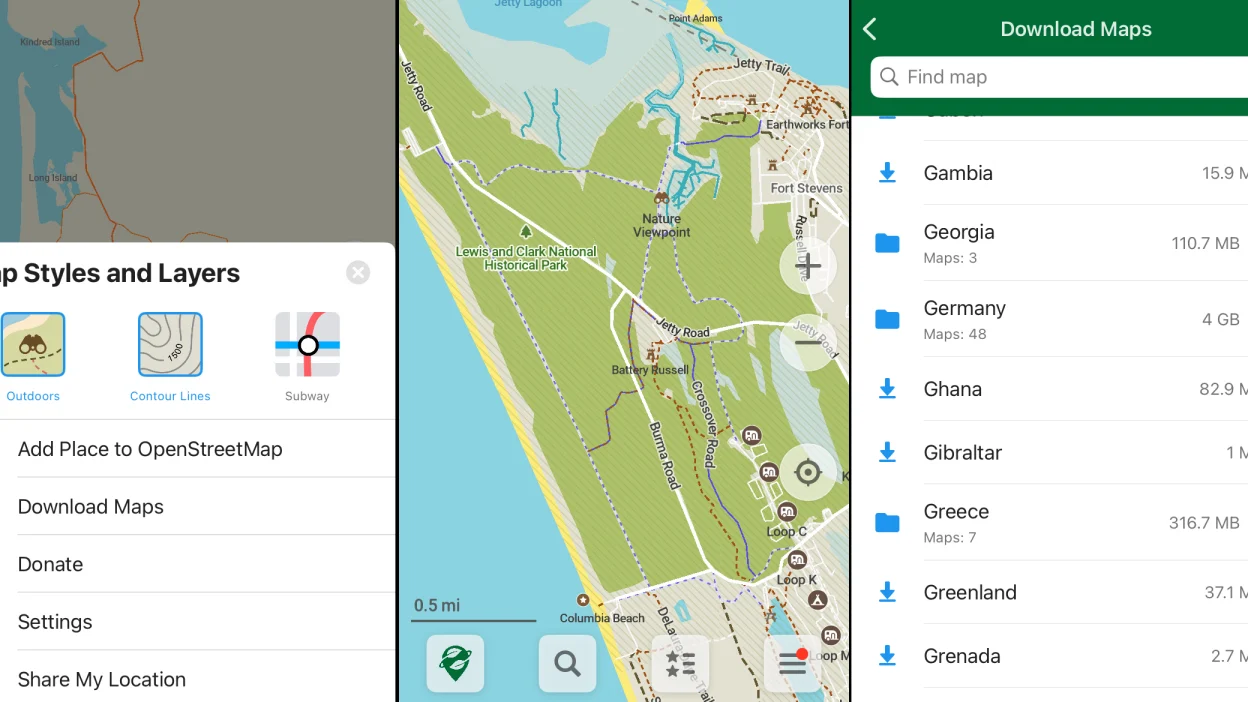
Organic Maps is a lightweight, open-source app that was designed to work offline. It is built on OpenStreetMap data, has no ads, tracking or account, and runs entirely on your device once you have downloaded the regions you need. That makes it a very good backup for Rwanda’s rural roads and national parks. The trade-offs are that navigation is less polished than Google Maps and there is no live traffic.
Best for: Road trips, remote areas and travelers who want a free, private offline app.
3. Maps.me: Easy Offline Maps
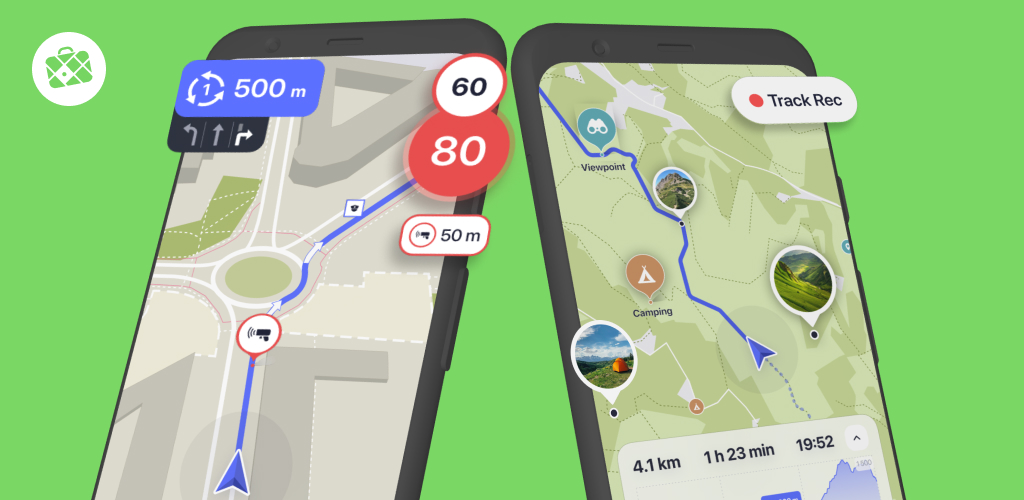
Maps.me is another offline-first favorite. It is designed primarily to work offline, is constantly updated by an online community, and offers detailed maps, many points of interest and spoken turn-by-turn directions without a connection. It is lightweight and simple to use.
Best for: Travelers who want a straightforward offline map with search and bookmarks.
4. HERE WeGo: Strong Driving Navigation
HERE WeGo is a good choice for drivers who want clear voice guidance. It offers full turn-by-turn navigation offline, with voice guidance. It is well suited to rental-car trips between cities.
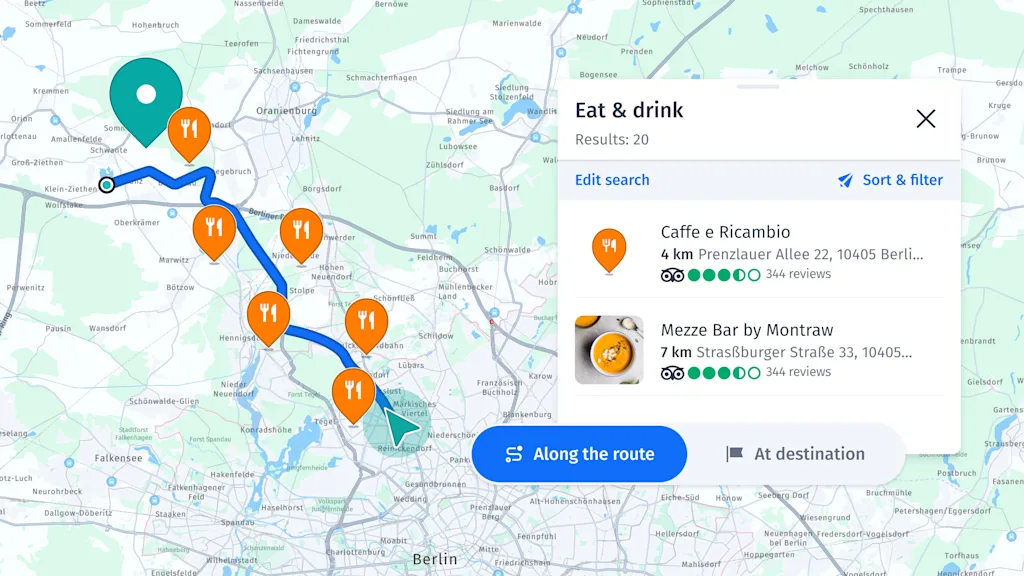
Best for: Drivers who want a dedicated, simple car navigation experience.
5. OsmAnd: Detailed Maps for Advanced Users
OsmAnd uses OpenStreetMap data and is popular with people who travel to places other apps cover less well. It supports offline voice navigation, speed limits and road warnings. It has more settings than the other apps, which can be useful but also takes time to learn.
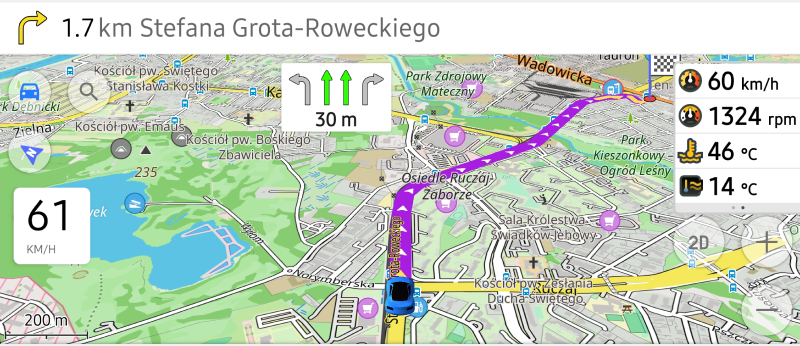
Best for: Adventurous drivers and anyone who likes to customize routes and map layers.
6. Waze: Live Traffic Alerts
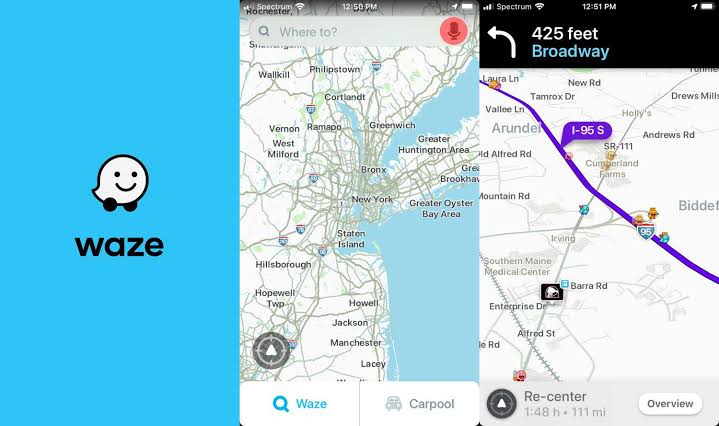
Waze is known for crowd-sourced alerts about traffic, hazards and police. It can be useful in Kigali during busy periods, but it needs a data connection and its coverage and reporting are stronger in busy urban areas than on rural roads. Treat it as a bonus app for city driving rather than your only navigation tool.
Best for: Avoiding traffic jams in Kigali.
Quick Comparison
| App | Offline maps | Voice navigation offline | Live traffic | Best use |
|---|---|---|---|---|
| Google Maps | Yes (specific areas) | Yes, once the area is downloaded | Online only | Finding places, city driving |
| Organic Maps | Yes | Yes | No | Rural roads, privacy |
| Maps.me | Yes | Yes | Limited | Simple offline maps |
| HERE WeGo | Yes | Yes | Online only | Car navigation |
| OsmAnd | Yes | Yes | Add-ons | Advanced users |
| Waze | Limited | No | Yes | Kigali traffic |
Features change with updates, so check each app before you travel.
How to Use Navigation Apps Offline in Rwanda
Your phone’s GPS works without mobile data, because it receives signals from satellites. Offline maps simply store the map on your phone so the app can display it and calculate routes. Here is how to prepare:
- Download maps before you leave Wi-Fi. Do this at your hotel or at home.
- Choose the right areas. Download Kigali, the Northern Province (Musanze and Volcanoes), the Western Province (Lake Kivu, Rubavu, Karongi, Rusizi) and the East (Akagera), or whichever regions you will visit. Rwanda is small, so you can often cover the whole country.
- Check storage space. Offline maps can be large, so free up space first.
- Test offline mode. Switch your phone to airplane mode, turn GPS back on, and make sure the app can still find your location and start a route.
- Save key places. Star or bookmark your hotel, fuel stations, hospitals, the airport and your lodge.
- Update maps before long trips. Offline maps can expire or become outdated.
- Use two apps. Experts recommend downloading your destination in at least two apps for redundancy. A good combination is Google Maps plus Organic Maps or HERE WeGo.
Mobile Data and SIM Cards in Rwanda

Even if you rely on offline maps, a local data connection helps with live traffic, searches and messaging. Local SIM cards and data bundles are easy to buy from official shops, usually with your passport for registration. Check coverage for the areas you will drive through, and ask your hotel or tour operator which network works best in the region. Keep your phone charged and carry a car charger or power bank.
Tips for Finding Addresses in Rwanda
- Use landmarks. Mention nearby hotels, banks, schools, churches or petrol stations.
- Save the exact map pin sent by your host, lodge or driver.
- Use plus codes or shared locations when an address is unclear.
- Call ahead. Staff at hotels and lodges are used to guiding guests and can give clear directions from the main road.
- Note street codes in Kigali. Many roads follow a coded system based on district, so write down the code and the nearest landmark.
Safety Tips for Using Navigation Apps While Driving
- Set your route before you start driving.
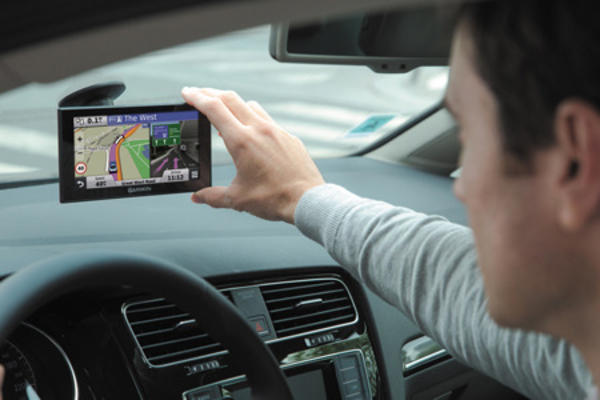
- Mount your phone on a holder rather than holding it. Distracted driving is dangerous and can lead to fines.
- Use voice guidance and keep the volume at a comfortable level.
- Expect surprises. Roads can be closed for construction or events, so be ready to follow signs and local advice.
- Avoid driving at night on rural roads where possible. Pedestrians, cyclists and animals can be hard to see.
- Plan fuel stops in advance, especially for long distances.
- Respect posted speed limits. Speed cameras and police checks are common, and apps are not always updated with the latest limits.
- Take a paper map or screenshots as a last-resort backup.
Navigation and Parking in Kigali
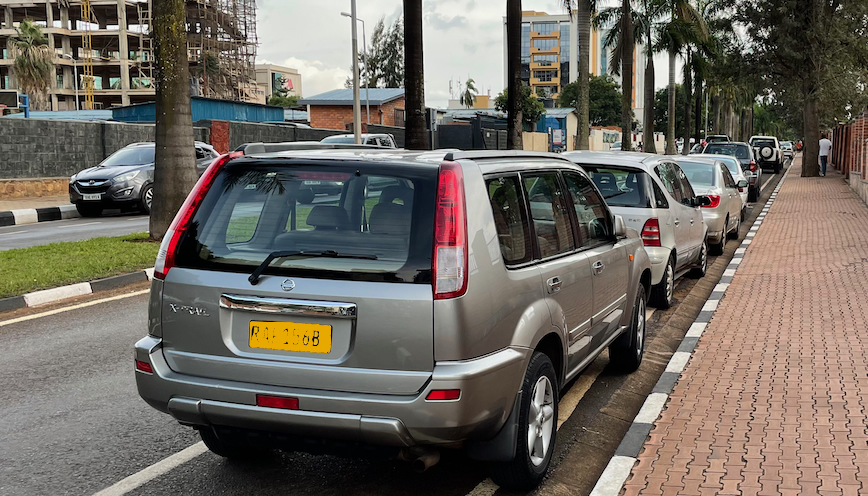
Navigation apps can help you find car parking in Kigali or any other location in Rwanda , but they are not always accurate about prices or availability. Use them to locate car parks, malls and park-and-ride sites, then check posted rates when you arrive. In busy central areas, a taxi or ride-hailing app can be easier than driving yourself.
Frequently Asked Questions
What is the best navigation app for driving in Rwanda?
Google Maps is the best all-rounder for finding places, while Organic Maps, Maps.me and HERE WeGo are strong offline options. Most travelers do best with two apps: one familiar mainstream app and one dedicated offline app.
Does Google Maps work offline in Rwanda?
Yes, if you download the areas you need in advance. Remember that offline maps can expire and offline mode has fewer features, such as no live traffic.
Does GPS work without internet in Rwanda?
Yes. GPS uses satellites, not mobile data, so your location still works. You just need a downloaded map to see it and to calculate a route.
Is Waze useful in Rwanda?
It can be helpful for traffic in Kigali, but it needs data and is less dependable on rural roads. Use it alongside an offline app.
Do I need a local SIM card?
It is not essential if you have downloaded offline maps, but it is very useful for live traffic, searching for places, calling your host and emergencies.
Which areas should I download for a Rwanda road trip?
Download the regions on your route, such as Kigali, Musanze, Lake Kivu and Akagera. Rwanda is compact, so you can often download the whole country.
Can I rely only on my phone for navigation?
You can in most cases, but it is wise to carry a power bank, screenshots of key routes, and the phone numbers of your hotel or driver.
Final Thoughts
The best navigation apps for driving in Rwanda are the ones that work reliably when your signal does not. Pair a familiar app like Google Maps with an offline-first app like Organic Maps, Maps.me or HERE WeGo, download your maps before you set off, and save your key destinations. Add a local SIM, a phone mount and a charger, and you will be ready for everything from Kigali’s busy streets to the quiet hills of the north and west.
Note: App features, map coverage and local regulations can change. Always check each app’s current offline options and local driving rules before you travel.
Planning to self drive in Rwanda this season, download 1 or more of the above apps for safe and comfortable road trip. You can rent a car online by contacting us via info@rwandacarrentalservices.com or calling +256-700135510 to speak with the reservations team.


More Stories
Land Cruiser Rooftop Tent Rental in Rwanda: Prices & Tips
Foreign Driving License Rules for Self-Drive Car Rental in Rwanda
Car Rental in Rwamagana: A Local’s Guide for Travelers